


Five different problems return this same code. A spam filter, a blocklist, a Microsoft 365 admin rule, a malformed header, and a rate limit all end in the identical three numbers.
Match your exact bounce text against the table below before changing anything. Guessing wrong here means fixing a setting that was never broken while the real cause sits untouched.
If your bounce reads "550 5.7.1 relaying denied" instead of a message about blocking, spam, or policy, you have a different problem. That version means your own outbound server refused to relay the message in the first place, usually because a device tried to send through it without the right authentication. Nothing below applies to that case.
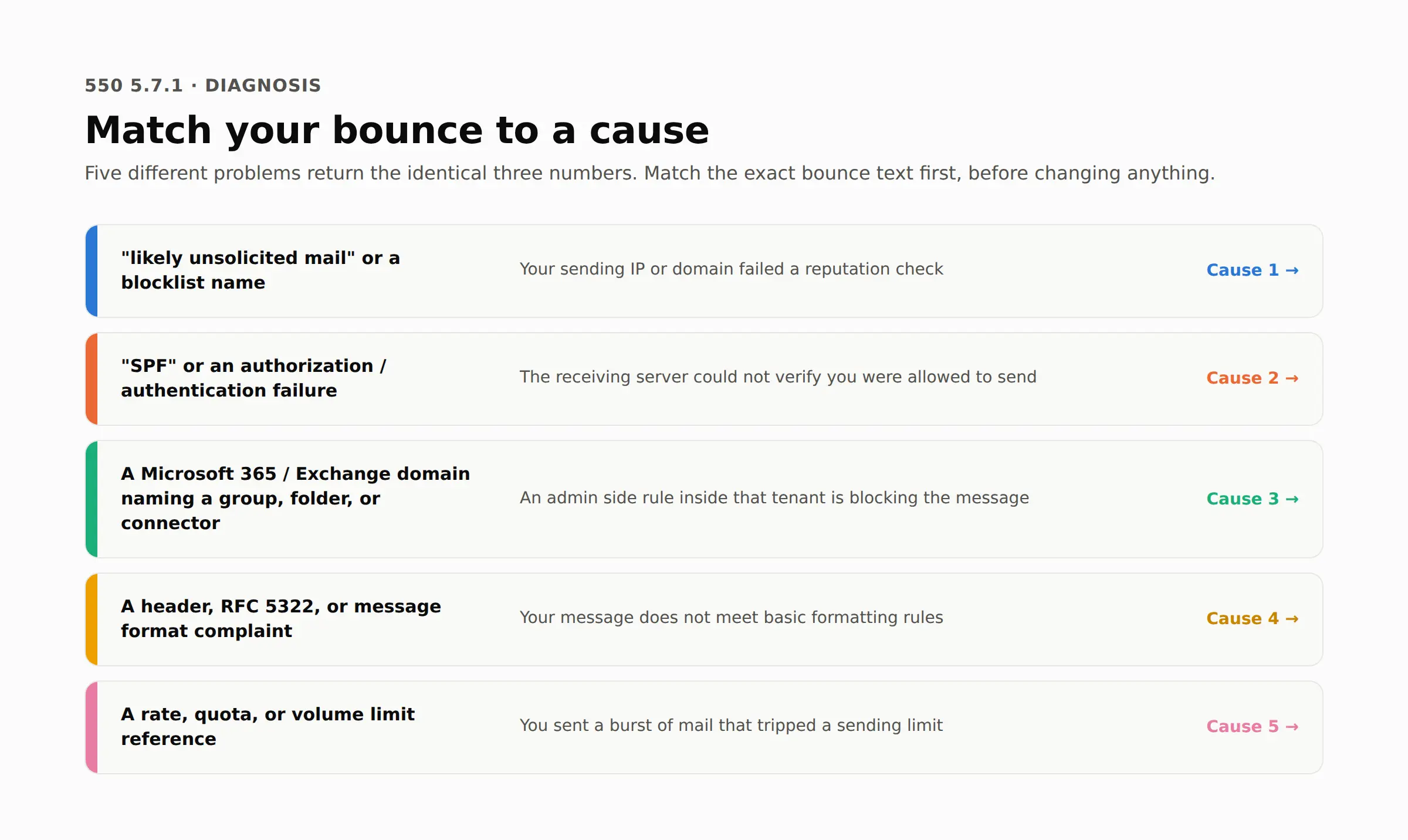
Match your bounce to a cause
What your bounce says | What is actually happening | Read this section |
|---|---|---|
"likely unsolicited mail" or a blocklist name | Your sending IP or domain failed a reputation check | Cause 1 |
"SPF" or an authorization or authentication failure | The receiving server could not verify you were allowed to send | Cause 2 |
Anything from a Microsoft 365 or Exchange Online domain that names a group, a folder, or a connector | An administrator side rule inside that tenant is blocking the message | Cause 3 |
A header, RFC 5322, or a message format complaint | Your message does not meet basic formatting rules | Cause 4 |
A rate, quota, or volume limit reference | You sent a burst of mail that tripped a sending limit | Cause 5 |
Two rows can look identical to a reader in a hurry. The next section shows exactly how three major receivers word each one, so you can match the string character for character instead of guessing from memory.
What the three numbers actually mean
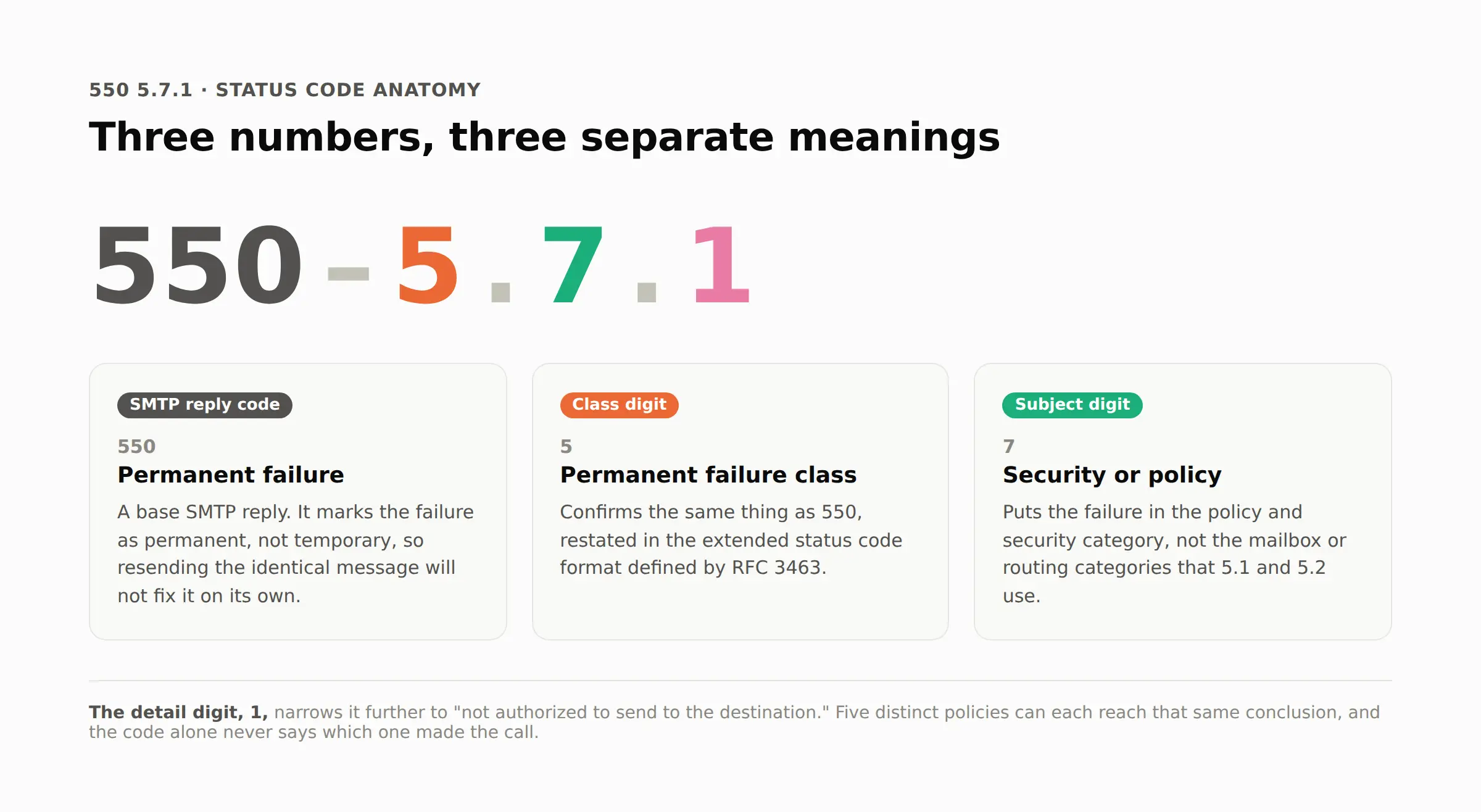
As a status code, 550 marks a permanent failure under the base SMTP standard, not a temporary one that clears on its own. The 7 puts it in the security and policy category rather than the mailbox or routing categories that 5.1 and 5.2 use.
RFC 3463 defines the final digit, 1, around one sentence: "the sender is not authorized to send to the destination." Five distinct policies can each reach that same conclusion, and the code alone never says which one made the call.
What three different receivers actually log
The 550 5.7.1 text you see depends entirely on whose server rejected the message. None of these three read the same way, and mixing them up wastes a diagnostic step.
Gmail's wording
Gmail's version, when the cause is reputation, reads close to this:
550-5.7.1 [203.0.113.4] Our system has detected that this message is likely
unsolicited mail. To reduce the amount of spam sent to Gmail, this message
has been blocked.
Microsoft's wording
Microsoft's version, when the cause is an IP on its own list, names the block directly and gives a case number:
550 5.7.1 Unfortunately, messages from 203.0.113.4 weren't sent. Please
contact your Internet service provider since part of their network is on
our block list (S3150).
A second Microsoft variant skips the case number and states the mechanism directly:
5.7.1 Service unavailable; Client host [203.0.113.4] blocked using
Blocklist 1; To request removal from this list please forward this
message to delist@microsoft.com
Sophos Email's wording
A tenant running Sophos Email adds "Command Rejected" plus a fourth field after the code, and that field is where the real reason lives.
A Sophos support engineer decoded four of them in a public community reply:
Code after XGEMAIL | What it means | Where to look |
|---|---|---|
XGEMAIL_0003 | The message failed a DMARC check | Cause 2 |
XGEMAIL_0008 | The sending IP, domain, or address is on the customer's own block list | Cause 1 |
XGEMAIL_0009 | The sending IP, domain, or address is on one recipient's personal block list | Cause 1 |
XGEMAIL_0011 | The recipient address is not a configured mailbox on that tenant | Not covered here, a routing problem rather than a policy one |
That last row matters more than it looks. XGEMAIL_0011 has nothing to do with reputation, authentication, or policy. It is a routing problem wearing a 5.7.1 label, and no amount of SPF work will fix it.
Work through the cause that matches
Cause 1: your sending IP or domain failed a reputation check
What it means: the receiving server ran your IP or domain against its own history or a shared blocklist and decided the risk was too high to accept the message.
Confirm it: I ran the standard test query every public blocklist supports, against a documented test address, from this session's own resolver:
2.0.0.127.zen.spamhaus.org
A working query against that address always returns a positive test result. Mine came back with no answer at all in 0.046 seconds, not even the test response.
That is not "not listed." Spamhaus rejects DNSBL lookups sent through a shared or datacenter resolver with an open resolver error instead of a real answer, which is the exact mechanism behind a separate and common bounce: "blocked using zen.spamhaus.org; Error: open resolver." Running the same check from a shared cloud DNS server produces this false negative every time.
Check your own domain and IP from a dedicated web based blocklist checker or from the mail server's own configured resolver, never from a general purpose DNS server.
Fix it: removal is never automatic and never carries a fee. Spamhaus's own removal process puts the request in the hands of whoever operates the IP, not the sender. Fix the underlying issue, then have that operator submit a removal request through the blocklist's own removal queue.
Takes effect: no fixed window. A listing tied to a live problem clears once the removal request is processed. A reputation score built from months of low quality sending recovers over weeks of sending patterns that keep spam complaints down, not after one fix.
Cause 2: your message failed an authorization check
What it means: the receiving server checked whether your sending IP is allowed to send for your domain and the check failed.
Confirm it: this is not automatically the same failure as DMARC. Gmail and Microsoft 365 both return a separate code, 5.7.26, specifically for a DMARC alignment failure. A 5.7.1 authorization failure usually means the SPF record for the sending domain does not list the IP that actually sent the message, or the record itself is missing.
Fix it: publish or correct the SPF TXT record for the exact domain in the message's return path. List every service that sends on that domain's behalf.
A message forwarded through a third party without Sender Rewriting Scheme rewriting the return path breaks this check even when the original sender's SPF record is correct, since the forwarding server's IP never appears in it.
Takes effect: as soon as the new record propagates to the TTL set on that DNS record, usually minutes to a few hours depending on what the zone specifies.
Cause 3: a Microsoft 365 or Exchange Online rule is blocking it
What it means: the message reached the tenant. Something inside that tenant's own configuration, not a public blocklist, refused it. Microsoft documents four separate settings inside Microsoft 365 that produce this same code, and each one needs a different fix inside the admin center.
A message to a mail enabled public folder from an external sender returns this exact diagnostic string:
Remote Server returned '<...> #5.7.1 smtp;550 5.7.1 RESOLVER.RST.AuthRequired;
authentication required [Stage: CreateMessage]'
Fix it: in the Exchange admin center, open the public folder, open its mail flow settings, and under message delivery restrictions change "accept messages from" away from authenticated senders only. The setting sits exactly where the restriction gets created in the first place:
Unchecking that one box is the entire fix for this specific cause.
A distribution group with more than 5,000 members automatically requires moderator approval for every message, including from members already inside it.
Fix it: the sender joins the group and requests approval, or a group owner approves the pending message directly.
A hybrid deployment can route mail through a connector pointed at the wrong smart host, or scoped to the wrong domain list, so a message that should stay inside the organization gets treated as external and rejected.
Fix it: In the Exchange admin center's mail flow connectors, confirm the delivery target matches the actual on premises server, then rerun the hybrid configuration wizard from the on premises side if the scope is wrong.
A disabled on premises Active Directory account, rather than a deleted one, keeps its mailbox reachable in a half working state that produces this rejection for anyone trying to reach it.
Fix it: delete the account. Disabling it alone is not enough. The alternative is removing the license and adding a mail flow rule to block new messages to it.
Takes effect: public folder and moderation changes apply to the next message attempt. A corrected hybrid connector needs a fresh test send. A license removed without deleting the account still allows roughly 30 days of continued mail flow before Microsoft's own retention window closes it, which is the single most common reason this cause looks "still broken" right after the fix.
Cause 4: your message headers do not meet RFC 5322 formatting rules
What it means: some receiving servers apply this same code to a structurally invalid message rather than to anything about the sender. The message never gets to an authentication check because it fails a basic grammar check first.
A message with two separate From header lines, or none at all, fails this check before the server looks at authentication:
From: billing@example.com
From: notifications@example.com
The fix is one From header naming exactly one address:
From: billing@example.com
A missing Message-ID header, an encoded word broken across two lines, or a raw non ASCII character sitting outside an encoded word in a header field trip the same rejection, since RFC 5322 defines the exact grammar every header line has to follow, not only which headers exist.
Fix it: check the sending platform's header generation rather than the message body. Most transactional and marketing platforms generate compliant headers by default; the failure almost always comes from a script, a plugin, or a custom relay that builds headers by hand.
Takes effect: immediately on the next send once the header generation is corrected. There is nothing to propagate.
Cause 5: a sudden burst of volume tripped a rate limit
What it means: Gmail defines a bulk sender as anyone sending close to 5,000 messages to personal Gmail accounts inside 24 hours, and that status does not go away once assigned. A bulk sender is required to keep its spam rate under 0.1 percent as measured in Google's own Postmaster Tools. Crossing 0.3 percent removes eligibility for delivery support entirely, and getting that eligibility back requires seven straight days under 0.3 percent, not one clean day.
Confirm it: a sending pattern that jumps from a normal daily volume to several times that overnight is the signature here, independent of list quality or content. The 0.1 percent and 0.3 percent thresholds above are visible on the same chart a sender already has open to check reputation:
A spike that lines up with a send date confirms the cause instead of leaving it as a guess.
Fix it: step volume up over days rather than sending the full list at once, and split a backlog across a longer window instead of clearing it in one run.
Takes effect: seven days, minimum. Google's own guidance requires seven consecutive days under the threshold before enforcement eases, which is longer than most senders expect from a single corrected send.
Confirm the fix actually worked
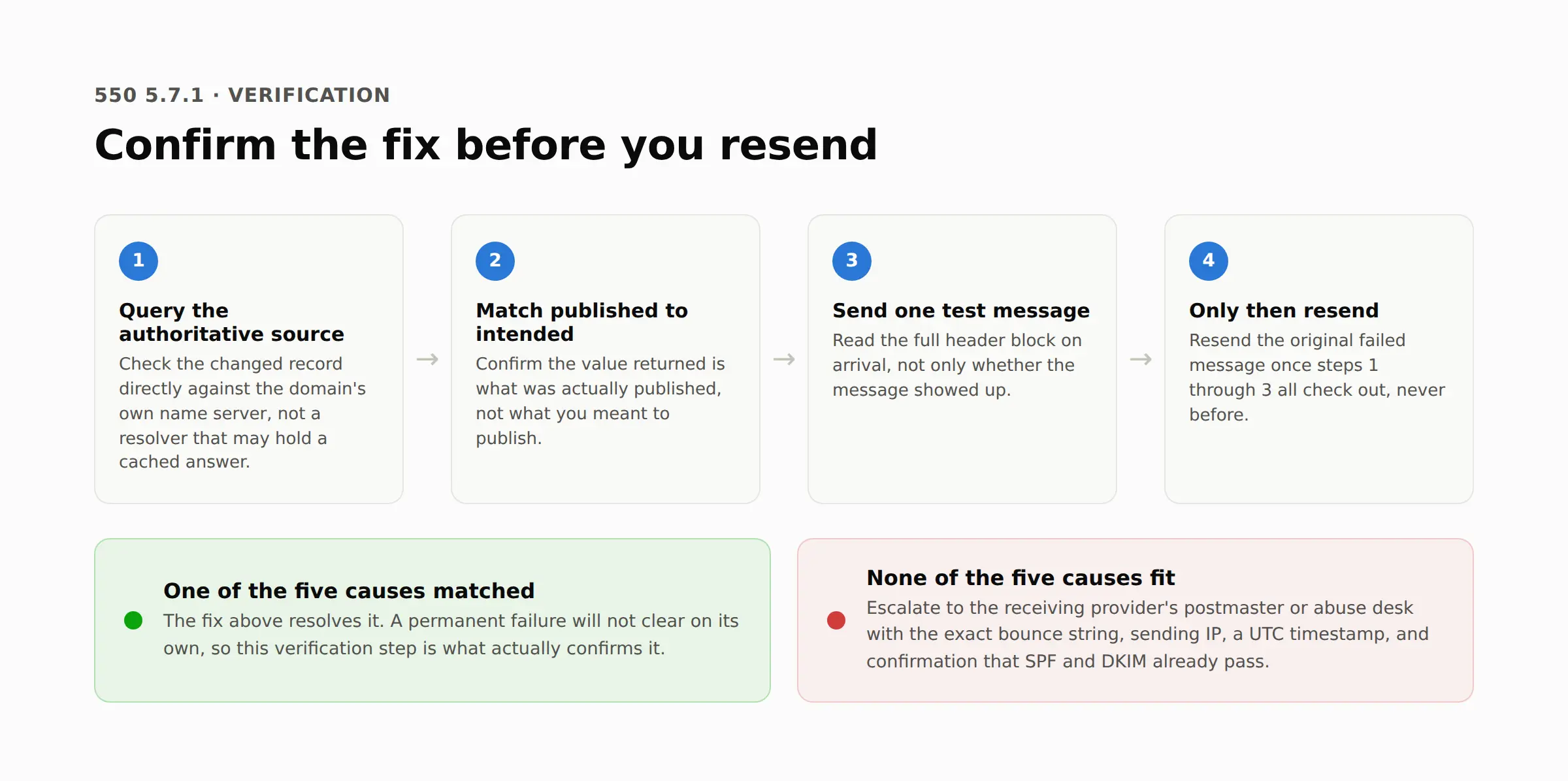
A retest sent one minute after a DNS change usually fails again. The old record is still cached somewhere between the sender and the recipient.
Query the specific record that changed directly against the domain's own authoritative name server, not a resolver that might still hold a cached answer.
Confirm the value returned matches what was actually published, not what was intended.
Send one test message to an address on the affected domain and read the full header block on arrival, not only whether it arrived.
Only resend the original failed message once steps 1 through 3 all check out.
Permanent failure is what the 550 prefix means by definition. Resending immediately after the first bounce, before anything changes, produces the identical rejection every time.
Escalate it when none of the five causes fit
Sometimes the block sits entirely on the receiving side. Nothing about the sending domain needs to change. Send this to that provider's postmaster or abuse desk rather than guessing further:
The exact 5.7.1 string from the bounce, copied character for character
The sending IP address and sending domain
A timestamp, in UTC, of one specific rejected message
Confirmation that SPF and, where applicable, DKIM already pass for that domain
One sentence stating what was already checked, so the reply does not repeat it
Microsoft's own process for an IP on its block list is to forward the exact bounce to delist@microsoft.com. There is no faster shortcut.
One sender who followed that exact process on a Microsoft support thread was pointed to the same delisting request rather than a quick manual override, since Microsoft does not offer one.
Other providers publish a dedicated delisting form instead of an email address, so check the receiving domain's own postmaster page before sending anything.
Related error codes
550 5.7.1 belongs to a wider family, and two of the closest codes get confused with it constantly. 550 5.4.1 covers a connection the recipient server refused outright, which sorts through an entirely different set of causes than a message the server accepted long enough to reject.
550 5.7.26 is Google and Microsoft's dedicated code for a DMARC alignment failure specifically, separate from the general authorization failure in Cause 2 above.
The full 550 reference lines up ten permanent failure codes side by side, including both of these, for anyone still narrowing down which one actually applies.
Two variants sit outside this article's scope. "550 5.7.1 relaying denied" is the sender side relay problem flagged earlier. 554 5.7.1 is a related but distinct status code.
Preventing 550 5.7.1 before it happens
TrueEmailer's Spam Shield AI and managed domain warmup work directly against the reputation cause behind Cause 1, keeping sending history clean before a public blocklist ever gets involved.
Its built-in SPF, DKIM, and DMARC setup handles Cause 2 at the source, since the platform configures and verifies those records for a connected domain rather than leaving it to the sender to get right later. Its per subscriber send time scheduler acts as a soft rate limiter too, pacing volume in a way that works against Cause 5.
Two of the five causes sit outside what any sending platform can reach. Cause 3 lives entirely inside the recipient's own Microsoft 365 or Exchange tenant, and Cause 4 depends on how the sending script generates headers, which is worth confirming directly rather than assuming any platform handles it by default.
FAQs
Is 550 5.7.1 always caused by SPF, DKIM, or DMARC?
No. A blocklist listing, a Microsoft 365 admin rule, a malformed header, and a rate limit all return this same code without any authentication record being wrong.
Should I resend after a 550 5.7.1 bounce?
Not immediately. The code marks a permanent failure, so resending before the underlying cause changes returns the identical rejection.
Can a valid DMARC record still get a 550 5.7.1?
Yes. DMARC only covers alignment between SPF or DKIM and the From domain. A blocklist listing, an Exchange admin rule, or a rate limit rejects the message regardless of what the DMARC record says.
What is the difference between 550 5.1.1 and 550 5.7.1?
5.1.1 means the recipient address itself does not exist. 5.7.1 means the address may be valid, but a policy, reputation, or formatting check refused the message before it reached the mailbox.
Does a 550 5.7.1 mean the email definitely never arrived?
Yes, for that specific delivery attempt. The receiving server refused the message outright rather than queuing it, so nothing sits waiting in a spam folder to be found later.
Where to look once SPF and DKIM both pass
A bounce that survives a clean SPF and DKIM check still has two live possibilities: an admin side rule inside the recipient's own Microsoft 365 tenant, or a header that fails RFC 5322's grammar before authentication is ever checked.
Neither shows up in an authentication report, because neither one is an authentication failure.